
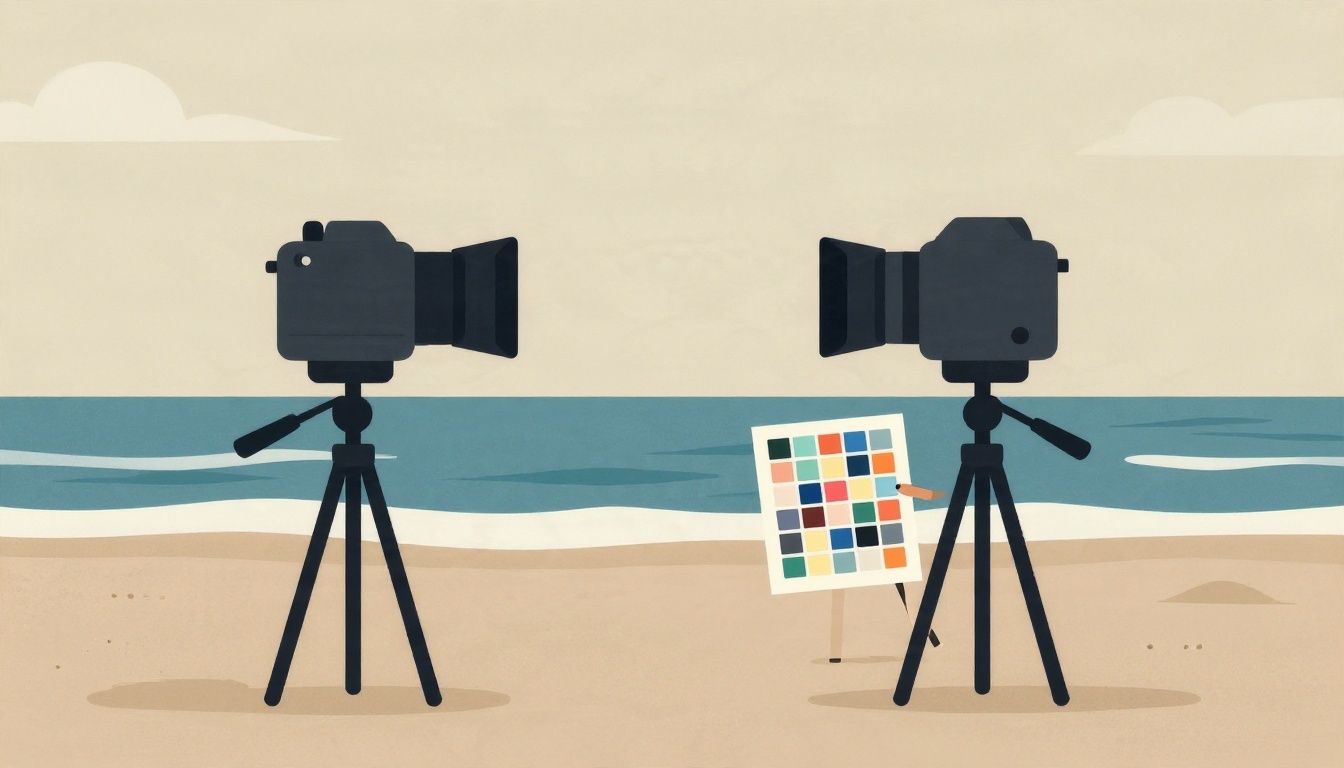
Shooting beach portraits with multiple cameras often leads to inconsistent color—one camera renders sand too warm, another makes water look green, and skin tones drift. The shifting light at the beach makes it worse. But you can fix it with a systematic approach that starts before you press the shutter and continues through editing.
What is a recommended first step to achieve consistent color across multiple cameras?
Select one answer.
Start with a color reference at the shoot
The most reliable way to match cameras is to give them a common reference. Place a color checker or gray card in the scene where every camera can see it under the same light. According to a practical guide on multi-camera consistency, this lets you compare neutral surfaces and adjust each camera to a known standard. For beach portraits, have your subject hold the gray card for one frame per lighting change—this becomes your anchor for white balance and color correction.
Set white balance in-camera
Auto white balance can vary between cameras and even between frames. Instead, set a custom white balance using the gray card. As Digital Photography School explains, fill the frame with the white card, use the camera's custom white balance mode, and take a shot. This gives you a correct baseline and saves time in post. Do this for each camera and repeat whenever the light changes significantly (e.g., from open sun to shade).
Create custom camera profiles
Different camera models interpret color differently, even with the same white balance. To harmonize them, build custom profiles. The same DPS article recommends taking a photo of the color checker under the same lighting and using it to create a profile in software like Lightroom or Photoshop. Apply these profiles as a starting point in your edits. This step neutralizes the camera's native color rendering and brings all files closer together.
Use a consistent editing style
Once profiles are applied, apply a consistent style or preset at the start of editing. A discussion on Pixls.us suggests creating a style that gives a consistent starting point. For beach portraits, this might include adjustments for exposure, contrast, and color grading that you apply to all images. Then fine-tune individual photos as needed, but keep the overall look cohesive.
Batch edit by lighting conditions
Group images by lighting situation (e.g., full sun, backlit, shade) and edit one representative image from each group. Once you're happy with it, copy those settings to the rest of the group. This is more efficient than editing each photo individually and ensures consistency within similar conditions. Tools like Lightroom's sync settings or batch processing in other software make this easy.
Calibrate your monitor
Your editing decisions are only as good as your display. Use a hardware calibrator to ensure your monitor shows accurate colors. A monitor that covers at least 100% sRGB is recommended, and calibration should be done regularly. This prevents you from overcorrecting based on a biased screen.
Checklist for consistent color across cameras
- Bring a color checker or gray card to every shoot.
- Set custom white balance on each camera using the gray card.
- Capture a frame of the color checker under each lighting condition.
- Create custom camera profiles from those reference shots.
- Apply a consistent style/preset at the start of editing.
- Batch edit by lighting groups.
- Calibrate your monitor regularly.
Quiz: test your knowledge
What is a recommended first step to achieve consistent color across multiple cameras?
- A. Use auto white balance for all cameras
- B. Place a color reference in the scene for all cameras to see
- C. Edit each photo individually without a reference
How the Featured Expert Can Help
Coastal Heirloom Studio is a boutique photography business in Panama City Beach, Florida, specializing in luxury beach portraits for families, couples, and events. They offer personalized sessions and professional editing, with a small, experienced team led by Michael Evans and Kristy Evans. If you need expert help with color consistency or want to book a session, visit Coastal Heirloom Studio.